

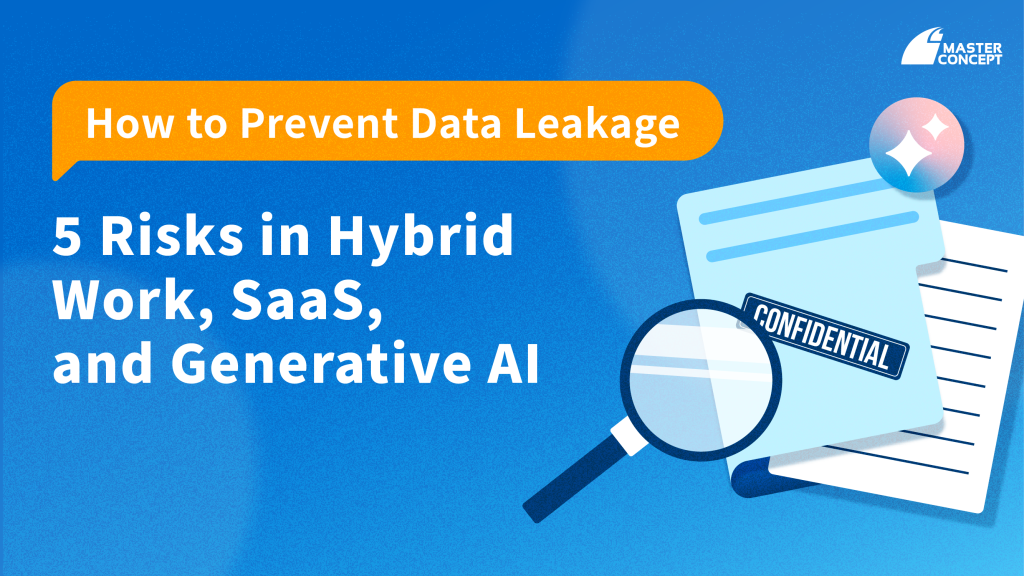
Data leakage today rarely begins with a cyberattack. More often, it happens during routine business activity: a file download, a SaaS upload, or a quick copy-paste into ChatGPT.
As organisations in Singapore accelerate cloud adoption and hybrid work models, the browser has quietly become the primary workspace — and increasingly, the primary channel for data exfiltration.
If your organisation is asking:
- How do we prevent data leakage in SaaS environments?
- Can we stop employees from downloading sensitive files?
- Is uploading company data to ChatGPT a compliance risk?
- Do we need browser DLP?
This guide outlines five modern data leakage risks — and what enterprises should do about them.
The Reality: Why Traditional Controls Are No Longer Sufficient
Traditional Data Loss Prevention (DLP) strategies were designed for:
- On-premise networks
- Endpoint agents
- Email gateways
But today, sensitive data primarily moves through:
- Browsers
- SaaS platforms
- Generative AI tools
Without visibility and enforcement at the browser layer, organisations are protecting yesterday’s attack surface.
1. Unrestricted File Downloads
Cloud storage improves collaboration, but unrestricted file downloads create immediate data exposure.
Once a document is downloaded from Google Drive, Microsoft 365, or other SaaS platforms, visibility diminishes. In hybrid environments, files may be stored on unmanaged personal devices or shared beyond organisational control.
Preventing file downloads, especially for classified or regulated data, is often more effective than relying on post-incident investigations.
2. Shadow SaaS and Unauthorised Data Uploads
SaaS adoption enhances productivity, but it also introduces risk.
Employees may upload internal documents to personal cloud storage accounts, online tools, or unapproved collaboration platforms. This form of SaaS data leakage is typically convenience-driven, not malicious, but the risk is real.
Without browser-level visibility, these uploads occur silently.
3. Generative AI and Sensitive Data Exposure
Generative AI tools such as ChatGPT are increasingly embedded in daily workflows: drafting emails, summarising reports, analysing content. However, uploading company data to ChatGPT or other AI platforms raises governance, confidentiality, and contractual concerns.
The challenge is not whether to use AI but how to enable it safely. Blanket bans limit innovation. Unrestricted usage increases exposure. Enterprises must find a middle ground.
4. Hybrid Work and Unmanaged Environments
Hybrid and remote work models introduce additional complexity. Corporate data is accessed from:
- Personal devices
- Home networks
- Public Wi-Fi
Even with strong identity controls, unmanaged environments increase the risk of data leakage through downloads, copy-paste actions, or unauthorised uploads.
5. Over-Privileged Access
Many data leakage incidents stem not from breaches but from excessive permissions. When users retain long-term access to sensitive information or can download entire datasets, exfiltration becomes a matter of opportunity rather than attack. Least privilege access must be reinforced by technical enforcement at the point of data movement.
Why This Matters More in Singapore
In Singapore, data leakage is not only a cybersecurity issue. It is a regulatory concern.
Under the Personal Data Protection Act (PDPA), organisations must implement reasonable security arrangements to protect personal data against unauthorised access, disclosure, or loss.
For financial institutions regulated by the Monetary Authority of Singapore (MAS), the Technology Risk Management (TRM) Guidelines further emphasise governance over data protection, access controls, and monitoring of data exfiltration risks.
Uploading sensitive customer information to unauthorised SaaS platforms or AI tools may create operational, reputational, and compliance exposure.
Preventing data leakage is therefore both a security responsibility and a regulatory expectation.
Browser Security as the New Control Point
As work shifts fully into the browser, security must follow.
Browser-level enforcement allows organisations to:
- Prevent file downloads of sensitive data
- Detect and block unauthorised SaaS uploads
- Control data exposure to generative AI platforms
- Apply policy based on device posture and risk context
This is where modern browser-based security solutions, including Chrome Enterprise Premium, provide value.
By embedding DLP controls directly within the browser session, enterprises gain real-time visibility and enforcement without relying solely on endpoint agents or network inspection.
The browser is no longer just a tool.
It is now a primary security boundary.
Frequently Asked Questions (FAQ)
1. How can organisations prevent data leakage in SaaS environments?
Preventing data leakage in SaaS requires browser-level visibility and enforcement. Controls should restrict sensitive file downloads, detect unauthorised uploads, and apply data policies consistently across cloud applications.
2. Is uploading company data to ChatGPT a compliance risk in Singapore?
It can be. If personal data or regulated information is shared with external AI platforms without safeguards, organisations may face exposure under PDPA. MAS-regulated entities should also consider TRM expectations regarding data governance and monitoring.
3. What is browser DLP?
Browser DLP (Data Loss Prevention) is a security approach that prevents sensitive data from being downloaded, copied, or uploaded through the browser. It addresses modern data exfiltration risks that traditional network-based DLP cannot fully cover.
4. Does browser security help with regulatory compliance?
While compliance frameworks do not mandate specific tools, implementing browser-level controls supports the “reasonable security arrangements” requirement under PDPA and strengthens governance practices aligned with MAS TRM guidelines.
5. Should organisations block generative AI tools entirely?
Not necessarily. Controlled enablement — supported by policy-driven browser security — allows organisations to balance innovation with data protection.

![[Free Webinar] Road to COP17: Unifying Enterprise Data with Planetary-Scale Geospatial AI](https://masterconcept.ai/wp-content/uploads/2026/09/Webinar-261007-Unifying-Enterprise-Data-with-Planetary-Scale-Geospatial-AI-_1280x720px-scaled.png)