

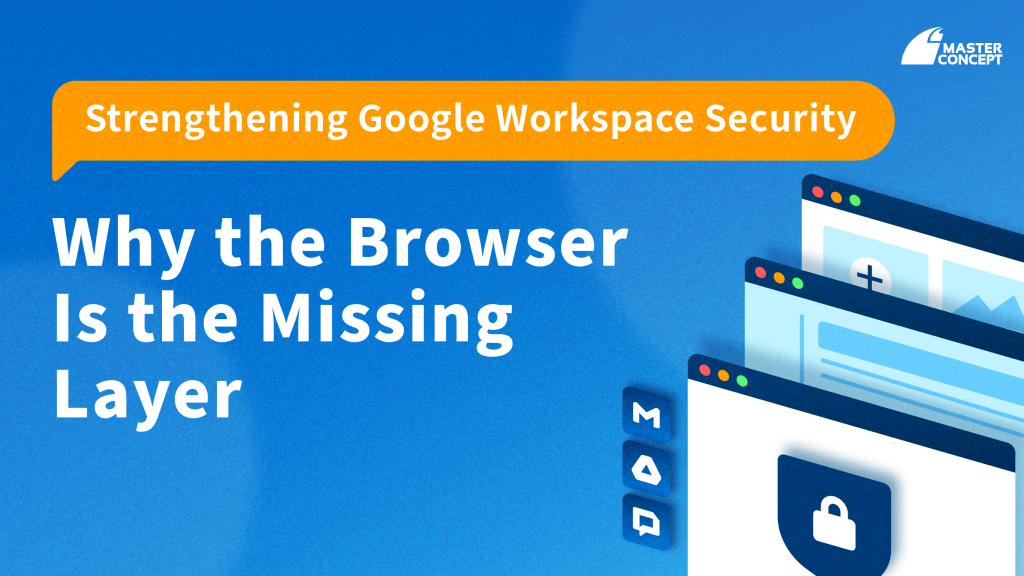
For many organizations, adopting Google Workspace represents a major step toward a modern, cloud-first workplace. Centralized identity management, secure collaboration, and built-in governance give IT teams strong control over who can access corporate data and under what conditions.
Yet as Google Workspace becomes the foundation of daily work, security leaders are increasingly asking a more practical question:
Where do risks actually emerge—after users have already signed in?
In real environments, many security incidents do not originate from broken authentication or misconfigured permissions. They occur after access is granted, during normal, legitimate work performed inside the browser.
Your Google Workspace Security Gap Isn’t in the Cloud—It’s in the Browser
Google Workspace security is intentionally designed around identity, access context, and cloud-side data governance. It excels at controlling authentication, device posture, access policies, and auditability across Gmail, Drive, Docs, and other Workspace services.
However, everyday risk often appears at a different layer: the browser session.
Once users are logged in, routine actions—copying content, downloading files, uploading documents, switching between SaaS tools, or interacting with AI services—are all executed inside the browser. From an access perspective, these actions are legitimate. From a risk perspective, they may quietly expose sensitive data.
For example, employees may paste internal content into external AI tools to speed up writing, download Drive files onto unmanaged devices for convenience, or install browser extensions that request broad access to active sessions. None of these behaviors necessarily violate Workspace login or permission policies, yet all introduce meaningful exposure.
This creates a structural limitation: Google Workspace governs access to data, but has limited control over how data is used once it reaches the browser.
Why Browser Security Has Become Critical for Google Workspace Environments
In modern workplaces, the browser is no longer just a gateway—it is the workspace itself.
Email, documents, collaboration tools, third-party SaaS platforms, and generative AI services all converge within a single browser session. As a result, the most sensitive data interactions—where information is copied, shared, transformed, or moved—happen at the browser runtime layer.
When incidents occur at this stage, the impact is rarely just technical. Data leakage through everyday browser activity can lead to regulatory exposure, loss of intellectual property, or erosion of customer trust—especially in highly regulated or competitive industries common across Singapore and Hong Kong.
This is why Google Workspace browser security has become a growing priority for security and IT leaders seeking to close gaps that traditional cloud-only controls cannot fully address.
Google Workspace + Chrome Enterprise Premium: Extending Protection to User Behavior
Chrome Enterprise Premium is not intended to replace Google Workspace security. Instead, it complements it by extending policy enforcement into the layer Workspace cannot fully govern: the browser session where work actually happens.
If Google Workspace determines who can access data and under what conditions, Chrome Enterprise Premium focuses on how that data is handled once accessed. By operating at the browser level, it enables organizations to reduce risk at the moment user actions occur—not after an incident is discovered.
This is why Chrome Enterprise Premium for Google Workspace should be viewed as an architectural extension rather than an optional add-on.
Already Using Google Workspace? Why CEP Is a Natural Next Step
Organizations standardized on Google Workspace are particularly well positioned to benefit from Chrome Enterprise Premium because Workspace workflows are inherently browser-centric.
Users typically begin their workday by opening the browser, signing in, and operating entirely within web-based applications. Introducing browser-level security controls in this context usually requires minimal behavior change, making adoption smoother compared to heavier endpoint or network-based approaches.
At the same time, the rapid growth of SaaS collaboration and generative AI has increased both the speed and complexity of data movement. Security teams are no longer only protecting files—they are governing how information flows between services, tools, and contexts.
This is where securing Google Workspace users with CEP becomes a practical strategy. By aligning security controls with real user behavior, organizations can meaningfully reduce exposure without compromising productivity.
Don’t Let the Browser Become Your Single Point of Failure
A mature Google Workspace security strategy cannot stop at identity and cloud configuration alone. Because so much real work—and risk—occurs in the browser, leaving that layer unmanaged creates an unavoidable gap.
For organizations that rely heavily on Google Workspace, Chrome Enterprise Premium fills this missing layer. It does not complicate existing controls; it completes them.
In that sense, Chrome Enterprise Premium is less about adding another security tool and more about ensuring that Workspace security extends to where work actually happens. Contact us to learn more!
Frequently Asked Questions (FAQ)
Is browser security already included in Google Workspace?
Not entirely.
Google Workspace focuses primarily on identity, access conditions, and cloud-side data governance, such as authentication, permissions, and auditing. However, granular control over how data is used inside the browser—copying, pasting, downloading, or uploading—is not fully addressed by Workspace alone.
Do Google Workspace customers really need Chrome Enterprise Premium?
In many cases, yes—especially for browser-centric work environments.
Chrome Enterprise Premium does not replace Google Workspace security. Instead, it extends protection into the browser layer, where user actions actually occur. For organizations already standardized on GWS, CEP is often a logical next step rather than an overlapping investment.
How is Chrome Enterprise Premium different from DLP or endpoint security tools?
The difference lies in where controls are applied.
Traditional DLP, MDM, or endpoint security tools focus on data classification, device posture, or endpoint-level enforcement. Chrome Enterprise Premium operates at the browser session level, helping organizations govern real-time user behavior across SaaS and web applications. In practice, these approaches are complementary, not competing.

![[Free Webinar] Road to COP17: Unifying Enterprise Data with Planetary-Scale Geospatial AI](https://masterconcept.ai/wp-content/uploads/2026/09/Webinar-261007-Unifying-Enterprise-Data-with-Planetary-Scale-Geospatial-AI-_1280x720px-scaled.png)