

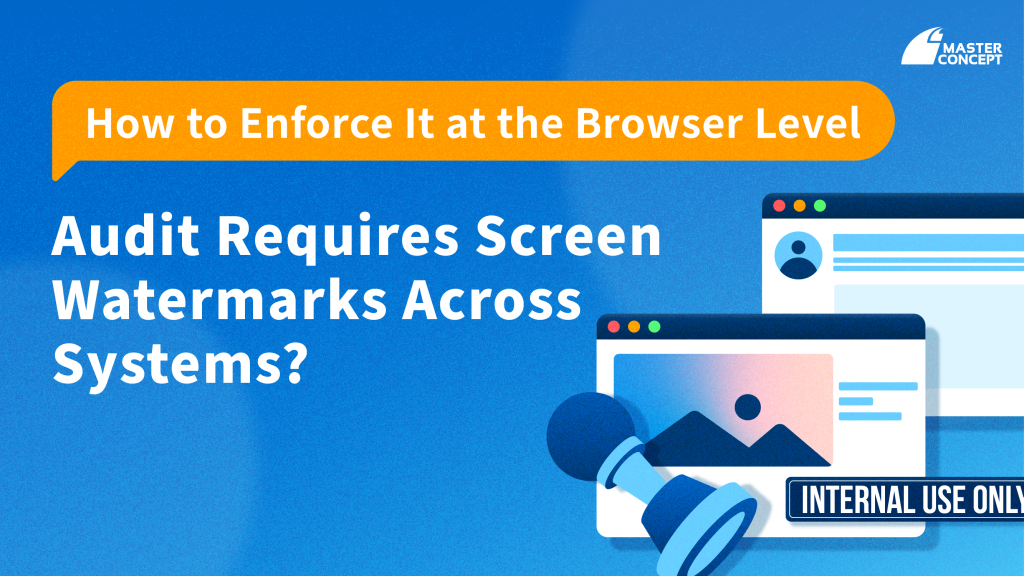
In many organisations across Singapore, screen watermarks are no longer a “nice-to-have.” They are introduced because of audit findings, internal control reviews, or regulatory expectations.
Security and compliance teams are often told: “All sensitive systems must display a watermark.”
At first glance, teams may look at document-level watermarking inside Google Workspace or other applications. But very quickly, a gap becomes clear.
Enterprise data today does not live in a single document. It lives in browser sessions, across CRM platforms, finance systems, HR portals, analytics dashboards, and third-party SaaS applications.The real question is no longer how to watermark a document, but: How do you apply screen watermarks consistently across all web-based systems?
Document Watermarks vs Screen Watermarks: Understanding the Difference
Google Docs and other productivity tools allow users to insert text or image watermarks into documents. These are useful for:
- Document classification (Confidential, Internal Use Only)
- Basic content labelling
- External sharing reminders
However, document watermarks only exist inside that specific file.
They do not:
- Appear in CRM dashboards
- Cover web-based finance systems
- Apply to third-party SaaS tools
- Protect sensitive information displayed in browser sessions
When audit requirements state that systems must display visible identification, document watermarking alone is usually insufficient.
Three Common Audit-Driven Scenarios
1. External Sharing and Screenshot Risk
In real-world scenarios, sensitive information is often accessed through web applications rather than static documents.
Examples include:
- Customer data inside CRM platforms
- Pricing dashboards
- Financial reporting portals
- Supplier management systems
If an employee takes a screenshot or records their screen, document-level watermarks offer no protection.A screen watermark, applied at the browser level, ensures that visible identification remains present across supported systems.
2. Internal Control Consistency Across SaaS Platforms
Many organisations operate dozens of web-based systems. If watermarking is handled separately within each application, enforcement becomes fragmented and inconsistent.
Audit teams frequently ask:
- Is watermark policy applied across all sensitive systems?
- Can this be centrally managed?
- Is there evidence of consistent enforcement?
This is where browser-level control becomes critical. Instead of relying on each SaaS provider to support watermarking, policy can be applied at the access layer.
3. Audit Traceability and Accountability
Compliance is not just about displaying a label. It is about accountability.
Audit teams typically look for:
- Clear user identification
- Visible deterrence
- Alignment with access control policies
If a screenshot is shared externally, can the organisation reasonably demonstrate responsible access control?
Screen watermarking, when tied to browser policy enforcement, strengthens the organisation’s internal control posture.
Enforcing Screen Watermarks at the Browser Level
Chrome Enterprise Premium introduces browser-level screen watermark capabilities as part of its managed security policies.
According to official Google documentation, administrators can configure policies in managed Chrome environments to apply screen watermarks to specified websites or web applications.
Key characteristics include:
- Policy-based enforcement
- Browser-level application
- Ability to include user-related identifiers
- Centralised administrative control
(Actual configuration options and scope should always be verified against official Google documentation.)
This approach shifts watermarking from an application feature to an access control policy, enabling more consistent enforcement across SaaS systems accessed via managed Chrome.
From Document Labelling to Browser-Level Governance
For organisations in regulated industries, including financial services, healthcare, and government-linked entities in Singapore, watermark requirements are often part of broader internal control frameworks.
Document watermarking remains useful for classification.
But when audit expectations extend to “all systems,” the control point must move to the browser layer.
The question is not whether a document can display “Confidential.”
The question is whether the organisation has implemented consistent, enforceable screen watermark policies across its digital workspace.
Contact us today to learn more!
FAQ
Does document watermarking satisfy audit requirements?
Usually not.
Document watermarking only applies to individual files and does not cover web-based systems such as CRM or financial dashboards. Audit requirements that reference “system-level watermarking” typically require broader control.
What is the difference between document watermarking and screen watermarking?
Document watermarking applies inside a specific file.
Screen watermarking is applied at the browser or session level, covering supported web applications accessed through managed environments.
Can screen watermarks be applied across different SaaS systems?
Yes, in managed browser environments.
According to Google’s documentation, Chrome Enterprise Premium enables administrators to apply screen watermark policies to specified websites accessed through managed Chrome.
Does screen watermarking prevent screenshots?
No.
Screen watermarking primarily provides visible identification and deterrence. It should be implemented as part of a broader data protection and browser security strategy.


![[Free Webinar] Road to COP17: Unifying Enterprise Data with Planetary-Scale Geospatial AI](https://masterconcept.ai/wp-content/uploads/2026/09/Webinar-261007-Unifying-Enterprise-Data-with-Planetary-Scale-Geospatial-AI-_1280x720px-scaled.png)