

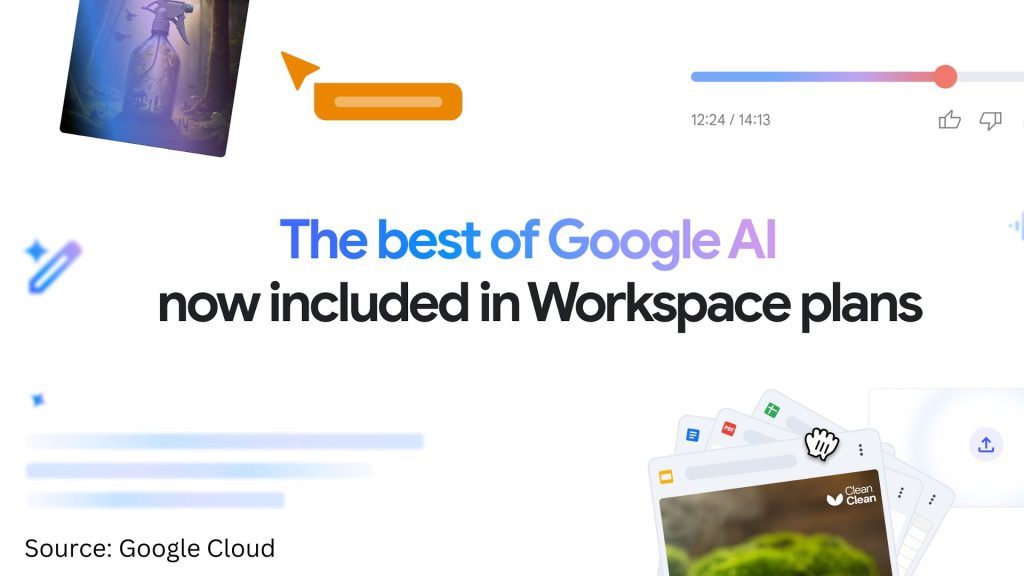
In a move set to redefine productivity and innovation, Google has announced that Gemini is now part of Google Workspace Business and Enterprise plans, giving every business the ability to boost productivity and collaboration with AI. This means users will have access to a suite of powerful generative AI tools without needing to purchase any add-ons.
Starting January 16, 2025, Google Workspace Business users will gain access to new AI capabilities, including:
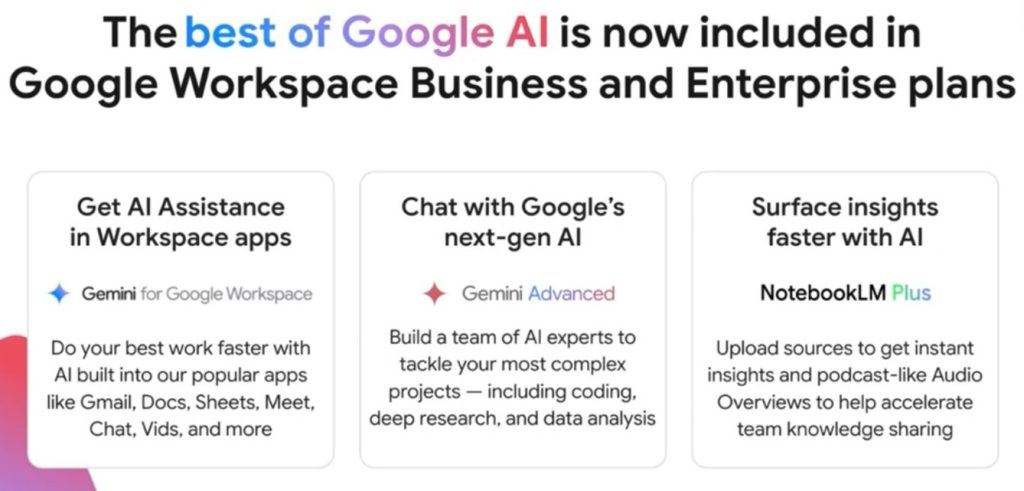
- AI-powered assistant across Gmail, Docs, Sheets, Slides, Meet, Chat, Vids, and more.
- Google’s most capable AI model – Gemini Advanced
- AI research assistant – NotebookLM Plus
New AI Features: Gemini Coming to Google Workspace
We’re excited to announce the rollout of our latest features, beginning today for Business edition users. Enterprise edition users can look forward to these enhancements starting January 29, 2025.
| App | Features | Updates |
|---|---|---|
| Gmail | Smart Compose | Improve tone, generate drafts, and write emails effortlessly. |
| Summarize Emails | Get key takeaways from emails and threads instantly. | |
| Gemini Side Panel | Draft responses, query emails (“Catch me up on Project Clover emails”), and summarize emails and threads. | |
| Docs | Gemini Side Panel | Summarize documents, create outlines, brainstorm ideas, get writing suggestions, and polish your writing with grammar and formatting help. |
| Cover Images | Generate unique inline and full-bleed cover images for various needs (fliers, briefs, menus, etc.). | |
| Help Me Write | Create drafts instantly with prompts like “Create a project outline, including research, design, testing, and production phases.” | |
| Help Me Create | Generate formatted documents like blog posts, press releases, and campaign briefs from scratch. | |
| Summarize Documents | Generate in-line summaries for quick comprehension. | |
| Meet | Take Notes for Me | Automatically capture, organize, and share meeting notes in Google Docs. Use “Summary so far” for latecomers. |
| Adaptive Audio | Eliminate echo and feedback when multiple nearby laptops join a meeting. | |
| Translated Captions | Make meetings more inclusive with real-time caption translations in multiple languages. | |
| Drive | Gemini Side Panel | Summarize multiple documents, generate topic insights, find files, and more. |
| Work with PDFs | Summarize PDFs, generate insights, and use PDF content to create new documents like study plans or email drafts. | |
| AI Classification | Automatically identify, classify, and label sensitive files for enhanced data loss prevention (DLP). | |
| Sheets | Gemini Side Panel | Create tables (e.g., expense trackers), generate data insights, and more. |
| Enhanced Smart Fill | Get contextual suggestions by detecting relationships between cell contents. | |
| Slides | Help Me Create an Image | Generate original images with prompts (e.g., “digital marketing campaign concepts”). |
| Remove Image Backgrounds | Remove backgrounds from images for a cohesive design. | |
| Gemini Side Panel | Quickly generate slides (e.g., meeting agendas), create custom images, rewrite content, and more. | |
| Chat | Summarize Conversations | Get up to speed quickly with summaries of unread group messages, spaces, and threads. |
| Gemini Side Panel | Summarize spaces and conversations, generate action items, and ask specific questions about conversation content (e.g., “What is the decision on the project discussed in this conversation?”). | |
| Advanced | Gemini Advanced | Chat with Google’s next-gen AI for research, brainstorming, and complex projects. Utilize Gems to build a team of AI experts for specialized tasks. |
| NotebookLM Plus | (Coming soon as a core service) Accelerate knowledge sharing with instant insights and podcast-like Audio Overviews. Features notebook customization, advanced sharing, and increased capacity for overviews, queries, notebooks, and sources. |
Note: Feature availability may vary. Visit the Help Center for details.
Google Workspace Business and Enterprise Workspace Editions Pricing

Google Workspace Pricing Plans in Different Country / Regions
Detailed pricing for Google Workspace (+Gemini) Business and Enterprise editions is now updated and available. Select your desired country to view Google Workspace pricing:
**The timing of changes to your Google Workspace pricing is contingent upon your payment plan, number of user licenses, and/or other factors. From January 16, 2025, any new subscriptions including downgrades, upgrades, and plan type changes – are subject to the updated prices.
Google Workspace Pricing FAQs
1. Will I be notified of the changes to my Google Workspace subscription?
Primary admins affected by price changes will be notified via email at least 30 days before the change goes into effect.
2. How does it affect my Annual/Fixed Term plan?
Your current Annual/Fixed Term subscription price will be automatically updated to the latest pricing either on March 17, 2025 or on your next subscription renewal date, whichever is later.
3. Can I add users at my current subscription price?
For an existing Annual/Fixed-term plan, these changes will not impact your current contract or any renewals that take place before March 17, 2025. You can add users to your existing subscription per your current contract.
For a Flexible plan, subscription price will be updated starting March 17, 2025, and any additional users will also be subject to the new pricing. Price changes for existing subscriptions with 10 or fewer user licenses will begin at a later date.
4. Who can I contact if I have questions?
Feel free to contact us if you have any questions or concerns regarding your Google Workspace subscription.
Source: Google AI features and pricing updates
Next Step: Unlock The Full Potential of Gemini in Google Workspace
Gemini is more than just an upgrade; it’s a transformative tool that can revolutionize how you work, collaborate, and create within your Workspace apps. Whether you’re an existing or new Google Workspace user, you’ll need to learn to craft an effective prompt to get the most out of Gemini.
Gemini is designed to understand and respond to your specific needs, but it relies on your prompts to guide it. Download our free Gemini for Google Workspace Prompt Guide 101 to learn how to prompt like a pro and truly leverage the capabilities of Gemini.

![[Free Webinar] Road to COP17: Unifying Enterprise Data with Planetary-Scale Geospatial AI](https://masterconcept.ai/wp-content/uploads/2026/09/Webinar-261007-Unifying-Enterprise-Data-with-Planetary-Scale-Geospatial-AI-_1280x720px-scaled.png)